
Request a fax number
Faxart lets a user request a fax number (DID) for themselves or a shared mailbox. Provisioning a number is an Active Directory write, which crosses the read-only boundary the rest of the system uses, so it runs through a separate, audited path. This guide covers both the user and admin sides.
How it works
Section titled “How it works”A number a user can claim comes from an admin-declared range. Availability is computed live: the range minus what AD already has minus any in-flight requests. AD stays the source of truth; the range is policy, not a second copy of the data.
flowchart LR
  U[User claims a number] --> O{Range open<br/>for self-serve?}
  O -- yes --> P[Provision now<br/>audited AD write]
  O -- no --> Q[Queue PENDING]
  Q --> A[Admin approves] --> P
  P --> D[ad.fax_directory resolves it]
For a user
Section titled “For a user”- Open the Fax numbers tab (visible to everyone, since self-service is the point).
- Browse Available numbers and Claim one, or search for the recipient mailbox if you are requesting on behalf of a shared box.
- If the range is open for self-service, the number is provisioned immediately. Otherwise it goes to My requests as pending until an admin approves it.
For an admin
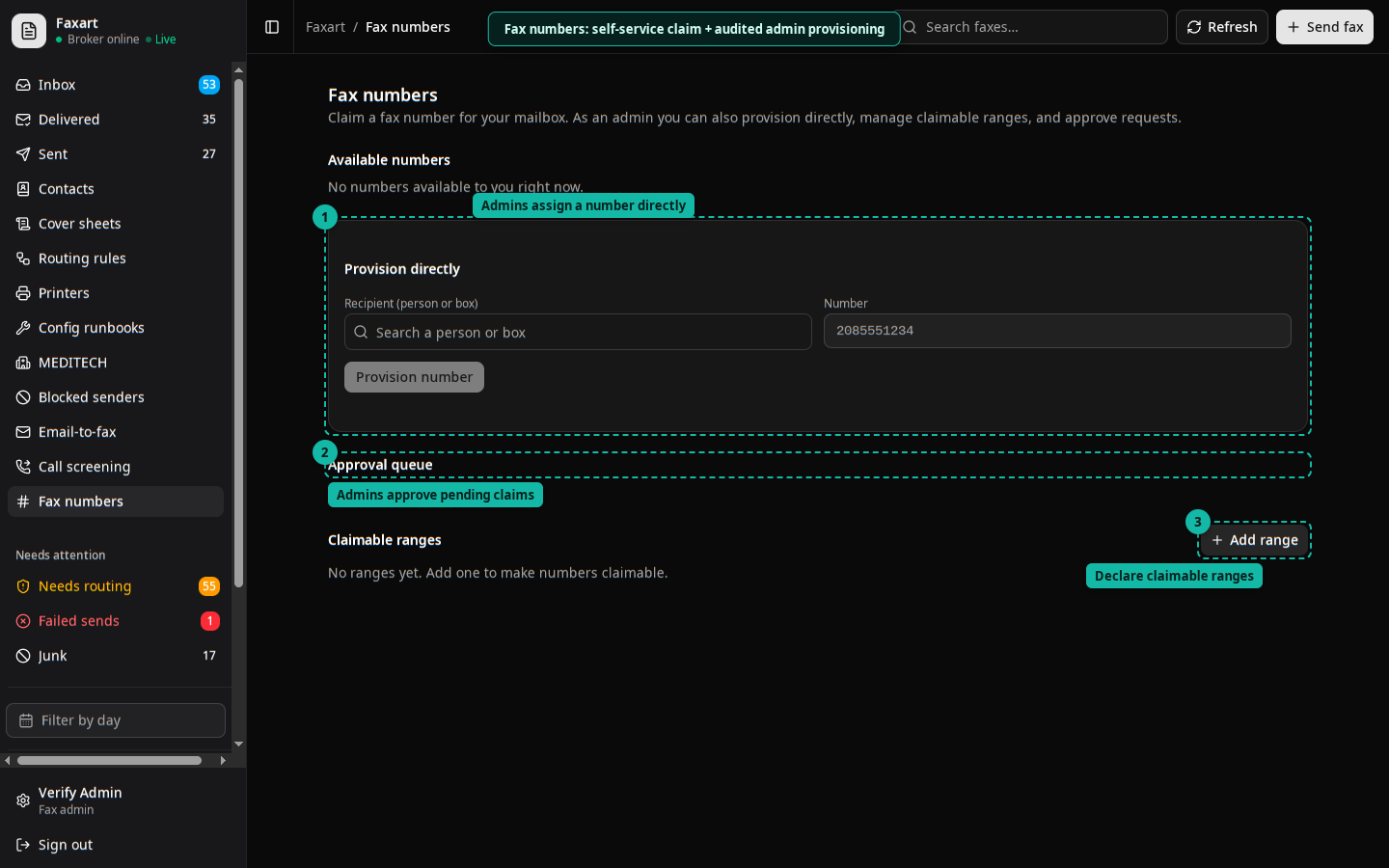
Section titled “For an admin”- Declare ranges: define the claimable blocks. These are policy only.
- Provision directly: assign a number to a recipient without the queue.
- Approval queue: approve (fires the audited write), reject, or release a number.
The boundary crossing
Section titled “The boundary crossing”The read-only directory account cannot write. Provisioning uses a separate, narrowly-scoped writer that touches only the fax attributes: it sets the primary fax number when empty and appends additional numbers (the multi-DID model). It is idempotent, refuses an ambiguous or missing match, and no-ops entirely until the write account is configured. Every assign and release is audited as a PROVISION or RELEASE event with the target.
See also
Section titled “See also”- Configuration reference
- Architecture for the directory model